
Best Death Clock Apps in 2026: Mac, Mobile & Online Options
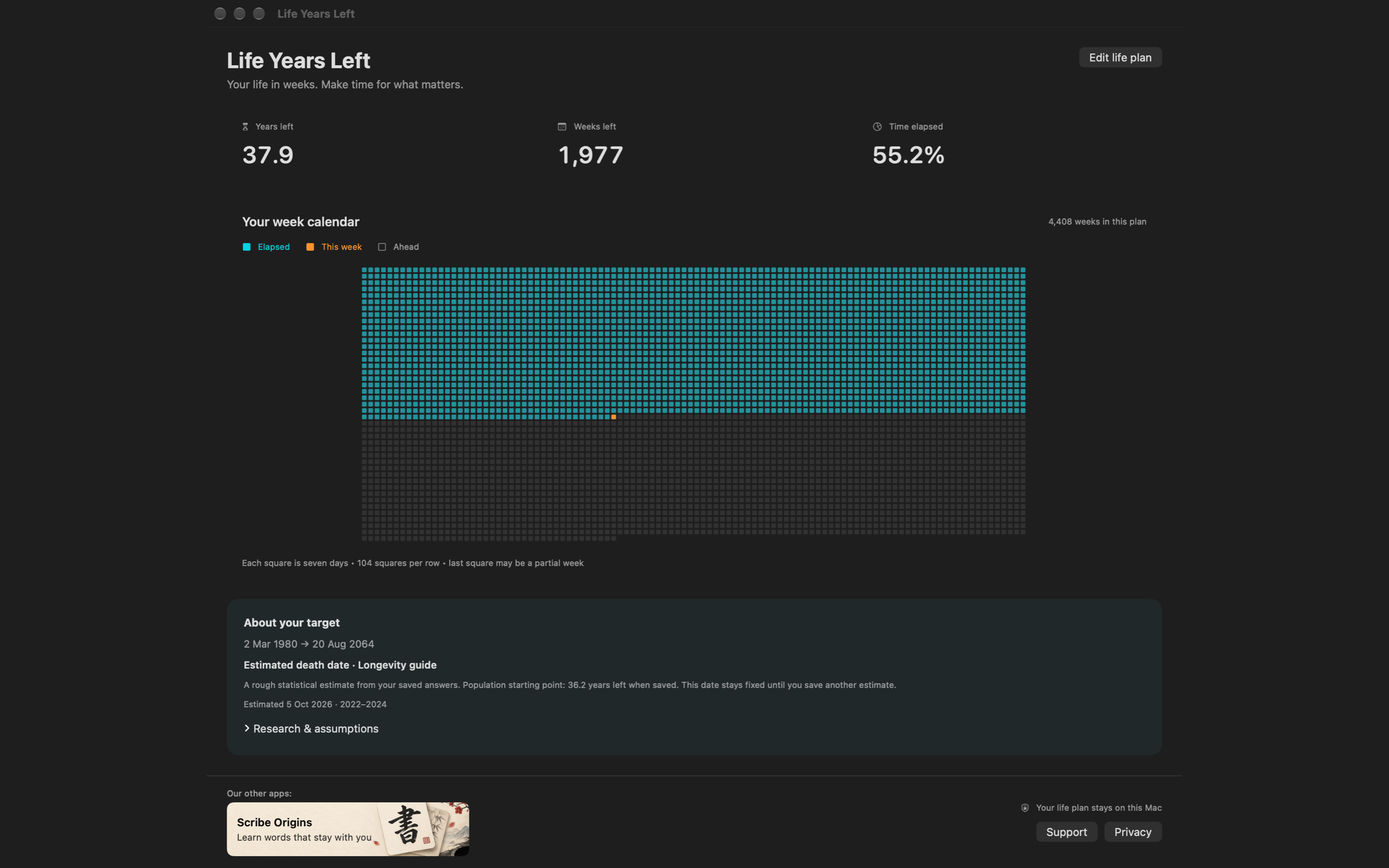
For a native Mac menu bar death clock with a life calendar, our pick is Life Years Left. Compare its local life plan with Death Clock’s longevity service, WeCroak’s reflection prompts and Moment’s event timers to see which features matter to you.
Get my free death clock estimate →By Guiix Pty Ltd, the maker of Life Years Left. We checked the competing products’ official descriptions on 5 October 2026. These recommendations reflect feature fit; we have not independently tested the competing apps or their health claims.
Which death clock app fits your day?
| App | Best fit | Platform details | Main reminder |
|---|---|---|---|
| Life Years Left | Mac life countdown and week calendar | Native macOS 13+; Intel and Apple silicon; public release link in preparation | Menu bar countdown plus a visual life plan |
| Death Clock: The Life Lab — comparison | Mobile and web longevity service | iPhone, Android and web; Apple also lists M1-or-later Mac compatibility | Health-based estimate and longevity service |
| WeCroak — comparison | Regular moments of reflection | iOS and Android; Apple also lists Mac compatibility | Five daily prompts with quotes |
| Moment — comparison | Mac event countdowns | Native macOS 10.15+; seven-day trial listed | Event timers, count-ups and time progress |
Death Clock: compare its longevity service
Death Clock’s publisher describes a health questionnaire, bloodwork and longevity plans. Its Apple listing includes M1-or-later Mac compatibility; we did not verify a native Mac menu bar countdown. Official service · Apple listing · Android listing
Choose it if: you want to explore that wider service. Review its health-data handling, costs and service availability. Our Death Clock comparison explains the difference in daily use.
WeCroak: compare reflection prompts with a countdown
WeCroak sends five daily mortality reminders with quotes. Its official site links iOS and Android apps; Apple also lists Mac compatibility. Official description · Apple listing
Choose it if: you prefer pausing to reflect when a prompt arrives. Compare that routine with a persistent numerical reminder in Life Years Left vs WeCroak.
Moment: compare event timers with a life calendar
Moment lists menu bar event countdowns, count-ups and time progress, with macOS 10.15+ support and a seven-day trial. Official features and trial
Choose it if: you want to track birthdays, milestones or scheduled events. See Life Years Left vs Moment for the lifespan-calendar comparison.
How to choose a death clock app
- Start with the reminder. Do you want a number visible while you work, a notification to contemplate, or a timer for a known event?
- Check the device. App Store Mac compatibility and a native menu bar experience are different details. Confirm both for your Mac.
- Read the method. A population table, your own target age and a health questionnaire answer different questions.
- Check where answers go. Local preferences and an online health service involve different data flows.
- Check the current offer. Availability, trials and prices can change. Use the official download pages before paying.
Our recommendations use those criteria. We did not assign accuracy scores or claim a market-wide award. “Best for a Mac death clock” is our judgement about the menu bar and calendar features we built.
Common questions
What is the best death clock app for Mac?
Our pick for a native Mac menu bar life countdown and week calendar is Life Years Left, which supports macOS 13+ on Intel and Apple silicon. Its public release link is being prepared. This is a recommendation from its maker, based on feature fit.
Can I try a death clock without installing an app?
Yes. The Life Years Left homepage has a free online calculator. Enter your birth date, choose an Australian or US life table, then submit an email to receive and display the result.
Are all mortality reminder apps death date calculators?
No. A numerical lifespan countdown, a reflection prompt and an event timer serve different purposes. Choose by the reminder you want rather than treating them as identical tools.